Reduce Admin Time
Reduce admin time spent retyping, rebuilding reports and chasing paperwork. We automate the routine admin so your team gets those hours back.
- 20+ years connecting business systems
- Works with Xero, MYOB and the systems you already use
- Fixed quote after a free chat
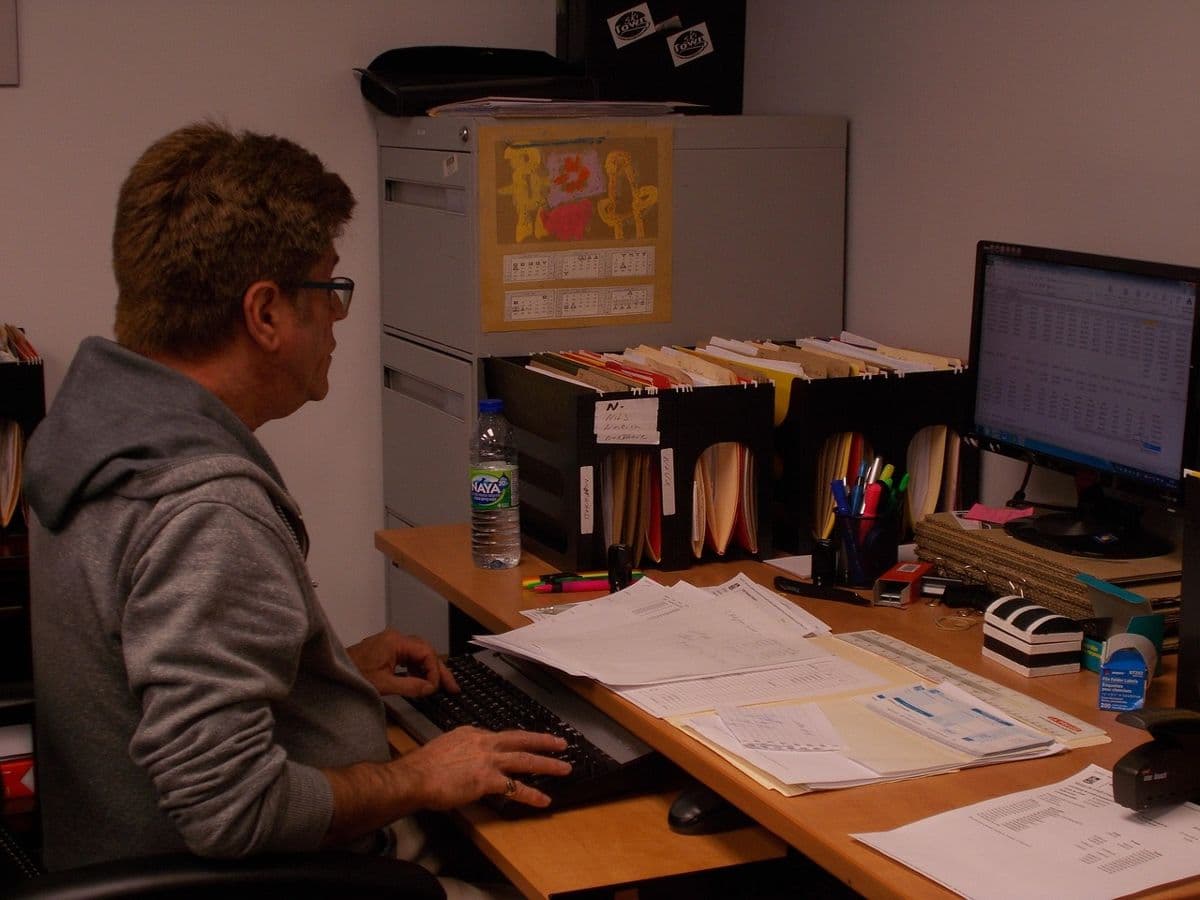
Less Admin
Too much of the week goes on admin. Typing the same details into two systems, rebuilding the same report every month, raising invoices by hand and chasing payments: it all has to be done, but most of it follows the same steps every time.
We connect your systems and automate the repetitive steps, so details are entered once, reports build themselves and invoices go out on their own. Your team gets time back for work that needs a person, and makes fewer mistakes.
Where the Admin Time Goes
The routine tasks that eat into the week, and what we do about them
Typing the Same Details Into Several Systems
Customer details, orders and jobs entered in one system, then typed again into another, plus a spreadsheet to keep track.
Enter it once, and the details flow across to your other systems automatically.
What You Get: Fewer typos, and every system shows the same up-to-date details.
Building the Same Reports Every Month
Exporting from several systems, pasting into spreadsheets and tidying up the layout.
Reports that build themselves from your live systems and arrive on a schedule.
What You Get: The same layout every time, ready when you need it.
Invoicing and Money Admin
Creating invoices, matching payments, coding expenses and chasing what is owed.
Invoices raised from your job or sales system, payments matched and expenses coded automatically.
What You Get: Invoices out sooner, payments in sooner, fewer coding mistakes.
Routine Emails and Follow-Ups
Answering the same questions, sending reminders and remembering to follow up.
Standard replies and reminders sent automatically when something happens in your systems.
What You Get: Quicker replies and fewer follow-ups forgotten.
Filing and Finding Documents
Saving, naming and filing documents, then hunting for them later.
Documents captured and filed against the right customer or job automatically.
What You Get: Find what you need straight away, with less paper.
Where Automation Helps
Keeping Records Up to Date
- Customer details
- Stock and product details
- Staff records
- Recording transactions
Enter details once and they update everywhere else, with checks that catch obvious mistakes.
What Improves:
Fewer errors, and information that stays current
Reports
- Monthly financial reports
- Weekly performance numbers
- Compliance paperwork
- Client progress updates
Reports built automatically from your systems and sent on a schedule, or on a screen you can check any time.
What Improves:
Up-to-date numbers, same layout every time, no copying and pasting
Money Admin
- Raising and sending invoices
- Coding expenses
- Matching payments
- Tracking spending against budget
Invoices, expense coding and payment matching handled automatically in Xero or MYOB.
What Improves:
Faster payments, cleaner accounts, fewer mistakes
Keeping in Touch
- Routine email replies
- Booking appointments
- Follow-up reminders
- Client status updates
Standard messages, booking reminders and status updates sent when something changes.
What Improves:
Consistent messages, quicker replies, fewer missed follow-ups
How We Do It
Find Where the Time Goes
- List the admin tasks your team does each week
- Sort them by how often they happen and how routine they are
- Work out which tasks take the most time
- Pick the tasks where automation will pay for itself first
You Get: A clear list of admin tasks and which ones to automate first
Automate the Biggest Tasks
- Connect your systems so details are entered once
- Set up reports that build themselves
- Automate invoicing and payment matching
- Set up document filing and approvals
You Get: The biggest admin tasks running automatically
Tidy Up the Rest
- Set up standard emails and replies
- Automate booking reminders
- Set up follow-up reminders
- Connect any remaining manual steps
You Get: The rest of the routine admin automated
Support and Improve
- Check that everything is running properly
- Show staff how the new processes work and what to do with exceptions
- Automate more tasks as the business changes
- Look after the systems we built
You Get: Admin that stays automated as the business grows
Get Your Team's Time Back
Tell us which admin tasks take up the most time. We'll tell you honestly which ones are worth automating, and give you a fixed quote after a free initial chat.
Free initial chat • No obligation