Excel Not Enough for Business?
When Excel isn't enough for the business any more, spreadsheets break, versions clash and reports take days to pull together. We move the important ones into proper systems your whole team can use.
- 20+ years connecting business systems
- Works with Xero, MYOB and the systems you already use
- Fixed quote after a free chat
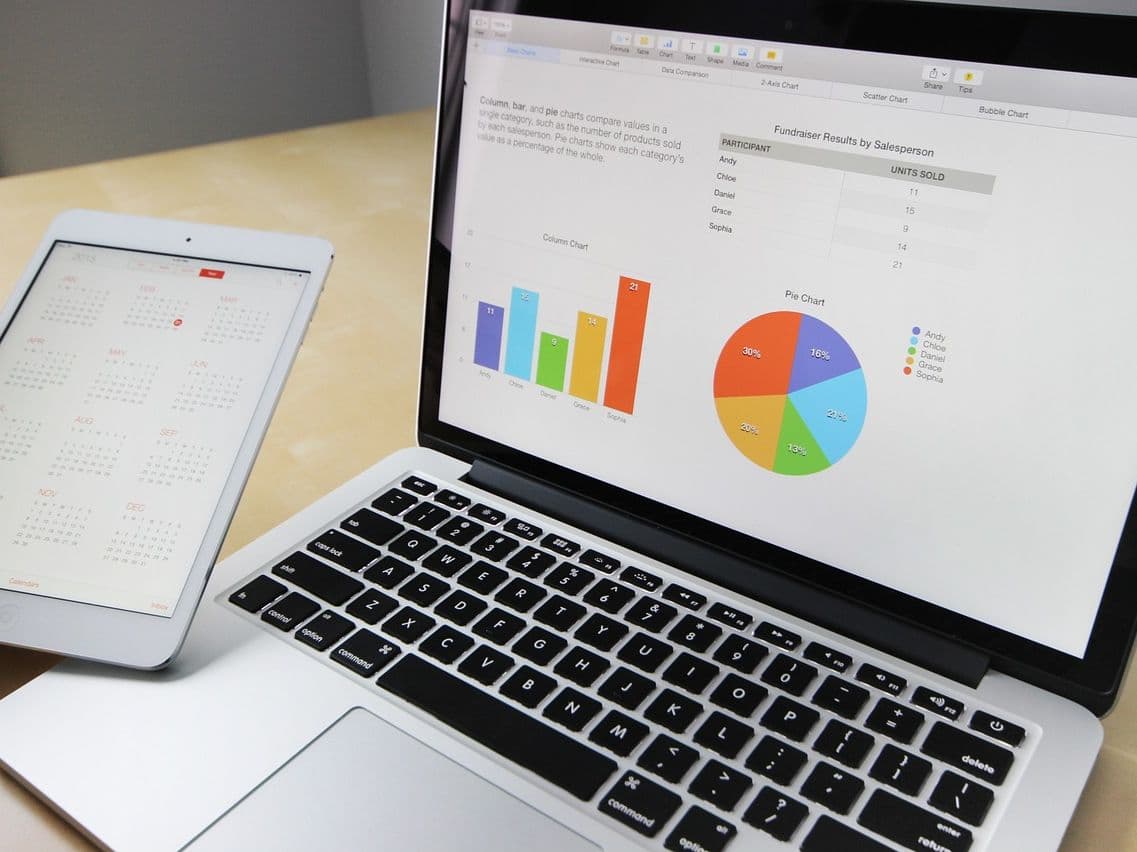
Time to Move On
Excel served you well when you started. Now it's holding you back: nobody is sure which file is current, formulas break when someone adds a row, and reports take days to pull together because only one person really understands how they work.
We help you move the spreadsheets that matter into proper systems: a customer system, a stock or job system, or reports that pull straight from Xero or MYOB. We clean up your data on the way and connect the new system to your accounts. You get numbers you can trust, your whole team can work at the same time, and Excel stays for the jobs it's good at.
Sound Familiar?
Everyday spreadsheet problems that cost your business time and money
Hours spent combining data from lots of spreadsheets
Losing important data when a file gets corrupted
Nobody is sure which file is the latest version
Formulas breaking when someone adds a row
People overwriting each other’s work
Excel struggling with a big customer list
No way to see who changed what, and when
Macros stop working after an Office update
Sensitive data sent around as email attachments
Duplicate records because nothing checks what is typed in
Whole days spent typing in data
Reports that take days to pull together by hand
Where Excel Falls Short as You Grow
Numbers You Can’t Trust
What it costs you: Decisions made on wrong numbers, compliance worries, unhappy customers
One Person at a Time
What it costs you: Frustrated staff, work done twice, people out of step
Slows Down as It Grows
What it costs you: Lost time and work held up at the worst moment
No Control Over Who Changes What
What it costs you: Compliance problems and sensitive data in the wrong hands
From Spreadsheet to Proper System
Customers
Contact details in several places, duplicates, no history of who said what
A CRM (customer system) that keeps every customer’s details and history in one place
What you get: Faster replies to customers and fewer missed sales
Stock
Stock counted by hand, no up-to-date view, ordering mistakes
A stock system with barcode scanning and low-stock alerts
What you get: Fewer stock-outs and less time counting
Financial Reporting
Figures combined by hand, formula errors, reports that arrive late
Reports and dashboards that pull straight from Xero or MYOB
What you get: Up-to-date numbers and a faster month-end
Projects
Plans that go out of date, no view of who is busy, things missed
Project software that the whole team works in
What you get: More jobs finished on time, and everyone on the same page
Signs You've Outgrown Excel
| What has changed | Where Excel stops | The sign | What to use instead |
|---|---|---|---|
| More people | Gets messy with several people editing | When several people need the same data at once | A system built for many users |
| More data | 1,048,576 rows per sheet (often slow well before that) | When Excel becomes noticeably slow | A proper database behind your system |
| More steps | Simple calculations and lists | When you need approvals and work passed between people | Business process automation |
| More systems | Data copied in and out by hand | When other systems need the same data, up to date | Systems connected so data flows automatically |
What to Use Instead of Excel
Customer System (CRM)
Replaces: Customer lists, sales tracking sheets, contact lists
- New enquiries captured automatically
- Linked to your email
- See every deal in progress
- Full history for each customer
Business Management System (ERP)
Replaces: Stock sheets, purchasing sheets, job and production trackers
- Stock, buying and jobs in one system
- Up-to-date reports
- Handles several sites
- Approvals and steps built in
Reporting and Dashboard Tools
Replaces: Reporting spreadsheets and dashboards built by hand
- Dashboards you can click into
- Data refreshes by itself
- Trends and comparisons
- Reports on your phone
A Custom Database
Replaces: Spreadsheets used as a database, tracking sheets
- Checks on what is typed in
- Control over who sees what
- Linked records
- Automatic backups
How We Move You Off Spreadsheets
Look at What You Have
- List the important files
- Map how work flows
- Find where it breaks
- Agree what you need
What you get: A clear plan for what moves, where, and in what order
Choose the System
- Compare options
- Try them with your own data
- Compare costs
- Check they connect to your accounts
What you get: The right system chosen, and a plan to set it up
Move the Data
- Remove duplicates and errors
- Fix formats
- Add checks on new entries
- Import and check
What you get: Your important data moved across safely
Training and Go-Live
- Staff training
- Simple written steps
- Help through the change
- Support after go-live
What you get: A team that is comfortable using the new system
Ready to Move Beyond Spreadsheets?
Tell us which spreadsheets the business depends on and where they let you down. We'll tell you what to keep in Excel, what to move, and give you a fixed quote. See how we replace spreadsheets. Running on an old Access database too? See Access database replacement.
Free initial chat • No obligation