Replace Excel Spreadsheets
Outgrown Excel? Move the spreadsheets your business runs on into a proper system, connected to Xero or MYOB
- 20+ years connecting business systems
- Works with the accounting, job and CRM systems you already use
- Fixed quote after a free chat
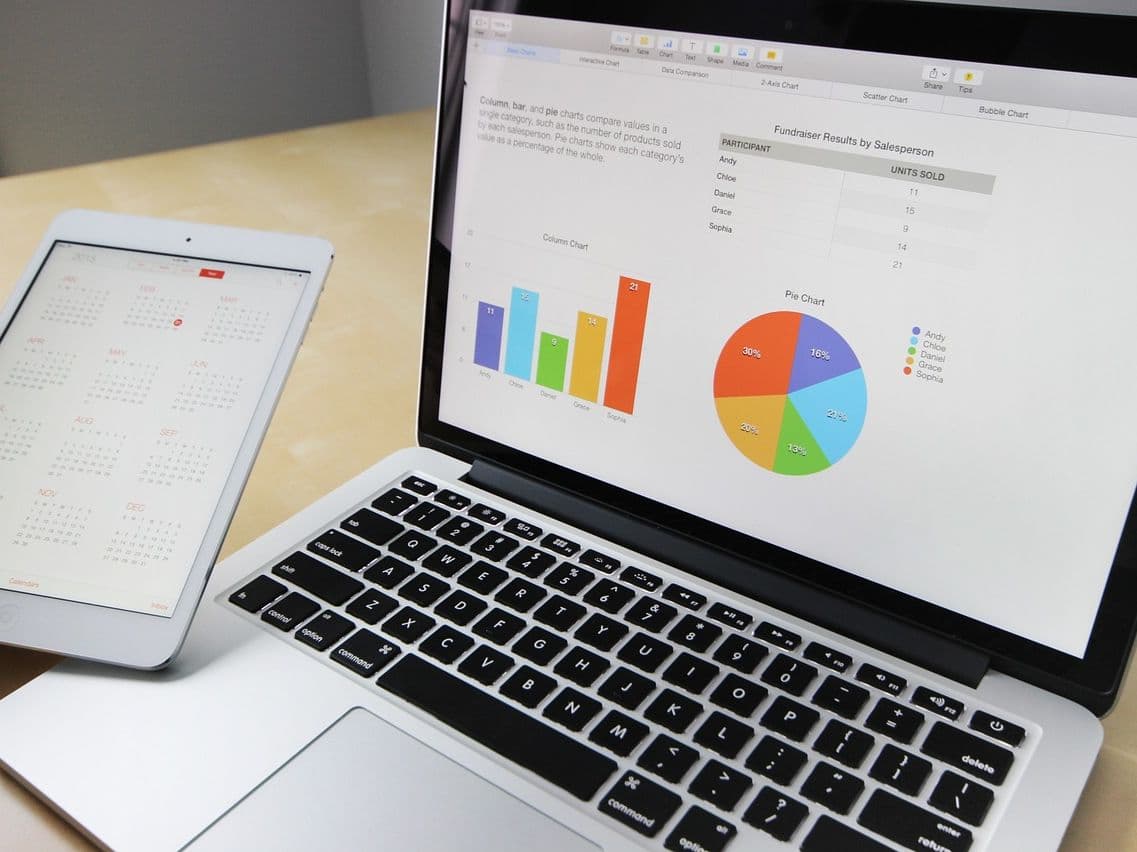
When the Spreadsheet Runs the Business
Most businesses start on Excel, and that's fine. The trouble starts when quotes, jobs, stock, rosters or approvals all live in spreadsheets that several people update. Versions get overwritten, nobody is sure which copy is right, figures are retyped into Xero or MYOB, and one person ends up as the only one who understands how it all works.
We help you replace spreadsheets like these with the right system. Sometimes that's software you already pay for or an app that costs a few dollars a month, and we'll tell you when it is. When the spreadsheet is really your process, we take it from spreadsheet to database: a proper system connected to your accounts, with your data cleaned up and checked on the way.
Built and supported by Kenomont, with 20+ years building business systems, including a forestry export platform we have run since 2012.
Signs You've Outgrown Excel
One or two of these is normal. Several at once means the spreadsheets have become a business risk.
- Several people update the same spreadsheet, and versions get overwritten or emailed around
- Nobody is sure which copy is the right one
- One person built it, and only they really understand the formulas
- Figures are copied from the spreadsheet into Xero or MYOB by hand
- Month-end or the weekly report waits for someone to combine several spreadsheets
- There is no record of who changed what, or when
- It is slow, crashes, or has hit the point where a mistake costs real money
- Staff on site or on the road can’t update it
Four Ways to Replace a Spreadsheet
The right option is the cheapest one that does the job, so that's where we start.
Use what you already have
An off-the-shelf app
A proper system for operations
A custom system built around your process
How We Move You Off Spreadsheets
Nothing is switched off until the new system has been checked against the old one.
Find the spreadsheets that matter
We sit with the people who use them and list what each one does, who updates it and what depends on it. Most businesses have a few that matter a lot and many that don’t.
Choose the right home for each job
Accounting software, an existing app, an operations system or a custom build. You get a recommendation with the reasons and a fixed quote.
Clean and move the data
Duplicates, inconsistent names and broken formulas are fixed on the way across, and totals are checked between old and new.
Run old and new side by side
Your team uses the new system while the spreadsheet is still there to compare, until everyone is confident.
Switch over and connect
The spreadsheet is archived, and the new system is connected to Xero or MYOB so nothing is typed twice.
Spreadsheet Replacement FAQs
More reading: 5 signs you've outgrown spreadsheets and what to use when Excel isn't enough. Running on an old Access database instead? See Access database replacement.
Which Spreadsheets Run Your Business?
Tell us which spreadsheets matter and where they let you down. We'll tell you honestly what to keep in Excel, what an app can handle, and what needs a proper system.
Free initial chat. No sales pressure - if we're not the right fit, we'll say so.
Prefer to talk? Call 1300 470 091
Got a spec or files? Email [email protected]
Part of our guide: Business Process Improvement Guide
See also
Articles on this topic
- When to Move a Spreadsheet Into a Database (and What the Move Involves)
- Production Planning Off Excel in a Fabrication Shop: What to Move First
- Food Recall Traceability: Running a Mock Recall When Your Records Are on Paper and Excel
- Consolidating Several Xero Organisations Without the Monthly Spreadsheet