Custom Inventory Management System
Stock that never matches the count? We set up or build inventory management that fits how you work, and connect it to Xero or MYOB.
- 20+ years connecting business systems
- Works with Xero, MYOB and the systems you already use
- Fixed quote after a free chat
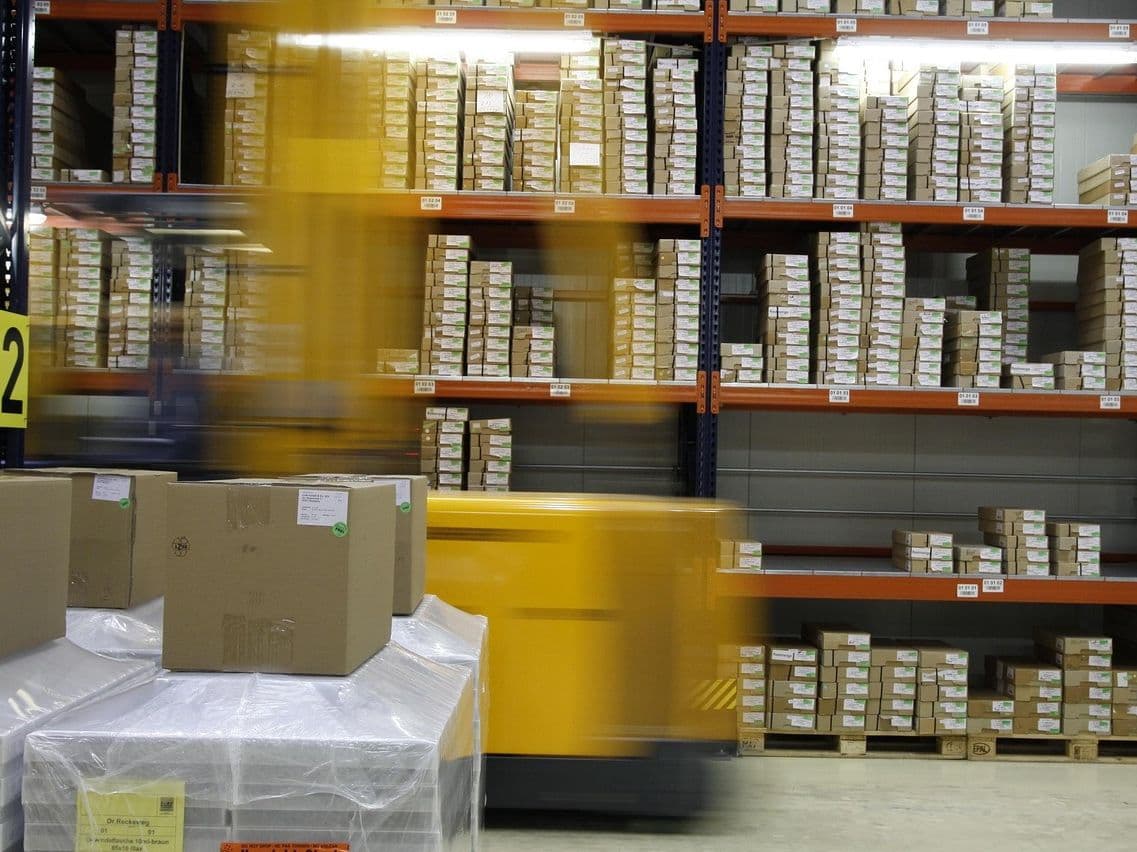
Know Your Stock
Why custom? Off-the-shelf stock software works well until your products, locations or processes don't fit its way of doing things. Then the team works around it with spreadsheets, and the numbers drift. We start by looking at how stock really moves through your business. Sometimes an existing stock system, set up properly, is the right answer, and we'll say so. Where it isn't, we build what's missing and connect it to Xero or MYOB. You get stock counts you can trust, less cash tied up on the shelves, and one place to see what you have and where. If the process needs fixing before any software, see our inventory management consultant page.
Stock Problems We Fix
What we hear most from businesses that hold stock
Too Much or Too Little
Stock on Spreadsheets
Several Locations
Systems Not Talking
What We Can Set Up
Multiple Warehouses and Sites
See stock across every warehouse, site or van in one place, and move it between them with a proper record
- Stock by location
- Transfers between sites
- Reports by location
- One view for managers
Reordering
Reorder points and suggested orders based on what you actually sell, including seasonal changes
- Sales-based forecasts
- Suggested purchase orders
- Seasonal planning
- Supplier lead times
Serial and Batch Tracking
Know exactly which batch or serial number went to which customer, for warranties, expiry dates and recalls
- Serial numbers
- Batch history
- Expiry dates
- Recall lists
Suppliers and Purchasing
Purchase orders, deliveries and supplier bills linked together, from ordering to paying the bill in Xero or MYOB
- Supplier price lists
- Purchase orders
- Electronic orders with big suppliers
- Drop-shipping
Costs vary widely depending on the size of the business, how many systems are involved and how much needs to be custom-built — so we scope every project first and give you a fixed quote after a free initial chat.
Different Industries, Different Stock Rules
Manufacturing
What you need to track:
- Raw materials
- Work in progress
- Finished goods
- Bills of materials (recipes for each product)
What makes it hard:
- Complex assemblies
- Substitute parts
- Production scheduling
- Quality checks
Wholesale & Online Sales
What you need to track:
- Stock shared across sales channels
- Stock levels kept up to date
- Seasonal ranges
- Promotions
What makes it hard:
- Overselling across channels
- Fast-moving lines
- Returns
- Sizes and colours
Medical & Pharmaceutical Supplies
What you need to track:
- Batch tracking
- Expiry dates
- Temperature-controlled storage
- Regulatory records
What makes it hard:
- Compliance records
- Restricted products
- Product safety
- Audits
Food & Beverage
What you need to track:
- Batch tracking
- HACCP food safety records
- Shelf life
- Temperature records
What makes it hard:
- Perishable goods
- Quality checks
- Recalls
- Supplier certificates
What the System Can Do
Everyday Stock Control
- Stock levels kept up to date
- Stock by location
- Ranking items by value (ABC)
- Rolling stock counts
- Reorder points
Reports
- Sales forecasts
- Right stock levels by item
- Slow movers
- How fast stock turns over
- Profit by product
In the Warehouse
- Barcode scanning
- Faster picking and packing
- Put-away locations
- Goods straight from receiving to dispatch
- Staff workload
Connections
- Xero and MYOB
- Online stores
- Sales and job systems
- Electronic orders with suppliers
- Phones and scanners
The Technical Side
For whoever looks after your systems: where the inventory system can run.
Online (Cloud)
Runs on the internet, so staff can use it from any site, phone or scanner
Why choose it:
- Copes as you grow
- Use it from anywhere
- Updates handled for you
- No servers to look after
Best for: Most businesses, especially with several sites
On Your Own Servers
Runs on equipment you own, with full control over the system and data
Why choose it:
- Full control
- Any connection you need
- Data stays in-house
- No ongoing subscription
Best for: Businesses with strict data rules
A Mix of Both
Some parts online and some in-house, often while moving from an old system
Why choose it:
- Flexible
- Choice over sensitive data
- Move across in stages
- Keeps what already works
Best for: Moving off an old system step by step
Industries We Serve
A Small Australian Team That Gives Straight Answers
We're a small consultancy with over 20 years of experience helping Australian businesses solve real technology problems. We won't oversell or overcomplicate it: the aim is stock numbers you can trust.
Want Stock Numbers You Can Trust?
Tell us how you track stock today and where it goes wrong. In a free initial chat we'll talk it through, and if we can help, you get a fixed quote. No obligation.